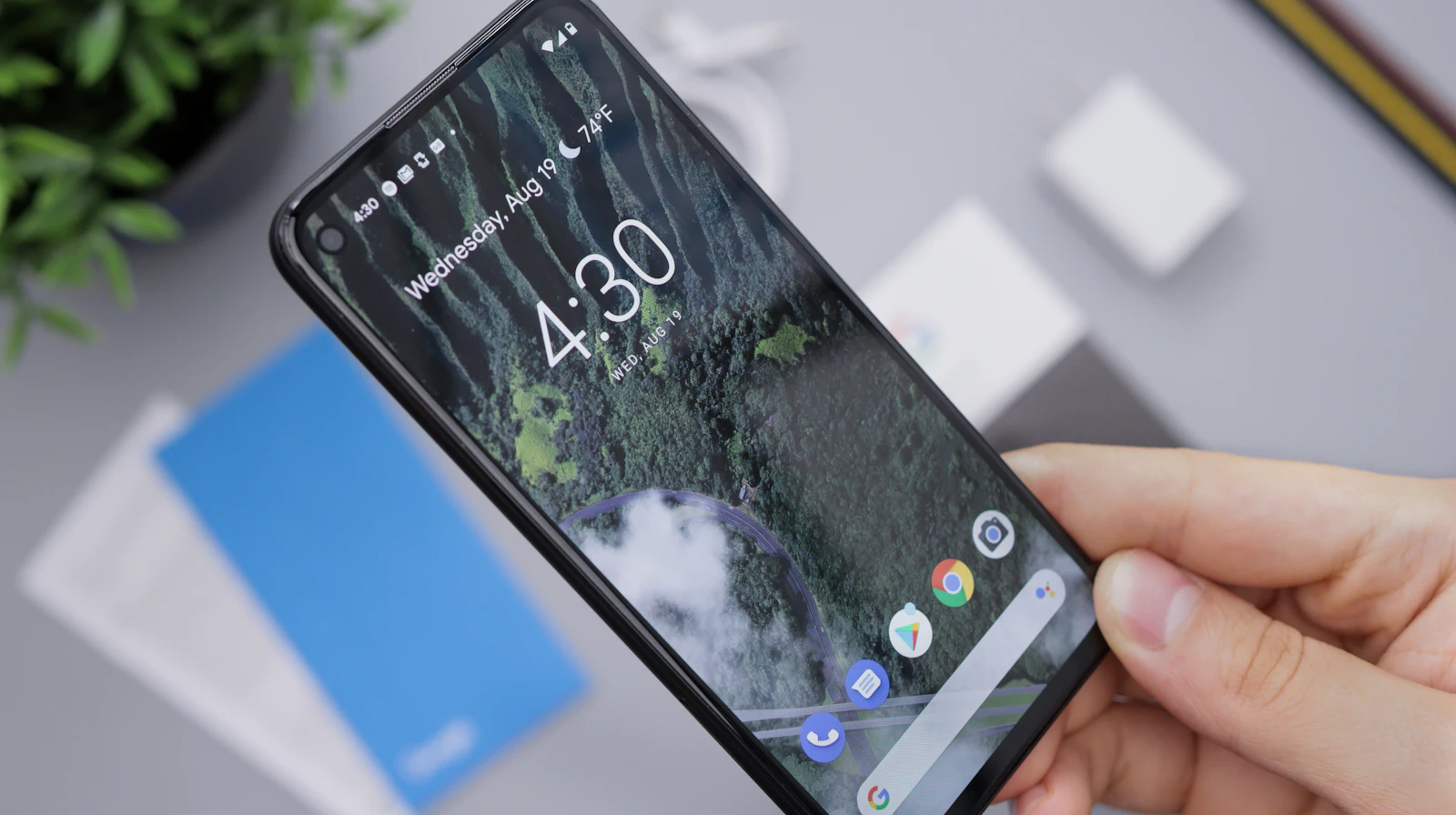
As Google Photos transitions from its unlimited storage model to stricter limits, many users are seeking alternative solutions for managing their photos. One innovative method involves repurposing old smartphones, particularly high-performance models like the Pixel, into self-hosted servers. This approach not only extends the device's life but also offers a private, cost-effective way to store photos.
The concept is simple: an old Pixel, often regarded as e-waste, can be converted into a Linux-based photo server using Lychee, a lightweight photo management application. This project requires minimal hardware and can be completed in under an hour, making it appealing for both tech enthusiasts and casual users.
The Case for Using Old Smartphones
Even smartphones that are a few years old have processing power that often exceeds entry-level devices like the Raspberry Pi, making them excellent candidates for self-hosting projects. The Pixel, in particular, boasts a powerful processor, ample storage, and built-in battery support, eliminating the need for additional hardware. This setup allows users to create a private cloud accessible from anywhere, effectively avoiding the drawbacks of traditional cloud services.
Dhruv Bhutani, a proponent of this method, points out that the shift from Google Photos was motivated by a desire to avoid ongoing fees and privacy concerns associated with large tech companies. By using an old Pixel and a Linux environment, users can maintain control over their data while enjoying a user-friendly interface similar to what Google Photos provides.
Setting Up the Lychee Server
To establish a Lychee server on an old Pixel, the first step is to download the Termux terminal emulator from F-Droid, ensuring access to the latest packages. After installing Termux, it's essential to grant it permission to access the phone's storage, which is crucial for the project's success. This step enables the server to operate without being limited by Android's built-in sandboxing.
Once the terminal is ready, users must install key components like PHP, Apache, and SQLite, with a preference for SQLite due to its lightweight nature. This choice reduces the risk of overheating and performance issues that can arise with older hardware.
After setting up the necessary software, users can clone the Lychee repository and initiate the installation process. While there may be challenges, such as generating thumbnails, the Lychee community offers plenty of support for troubleshooting. Remarkably, the performance of the resulting photo server is surprisingly fast, closely matching the efficiency of established services like Google Photos.
Features and Limitations of Lychee
Lychee boasts a feature set that competes with many commercial photo management solutions, including album organization, sharing capabilities, and an 'On This Day' feature reminiscent of Google Photos. Users can browse their collections effortlessly, enjoying the added benefits of privacy and no associated costs.
However, this setup has its limitations. Unlike Google Photos, it lacks advanced AI features such as facial recognition and location-based search. Yet for those who prioritize privacy and control over their data, these trade-offs are often acceptable.
Accessing Your Server Remotely
One of the standout features of this setup is the option for remote access. By utilizing Cloudflare Tunnels, users can securely reach their Lychee server from anywhere without complicated router configurations. This capability is particularly useful for showcasing family photos while away from home, demonstrating the practicality of repurposing an old smartphone.
A Sustainable Solution
This project highlights the importance of extending the life of older smartphones, contributing to the reduction of electronic waste. By converting an obsolete device into a functional photo server, users can achieve significant savings while ensuring their data remains private and secure. The advantages of this DIY approach are evident: no ongoing costs, complete control over personal data, and the satisfaction of repurposing technology.
Setting up a Lychee server on an old Pixel phone is an effective way to create a private, self-hosted photo management solution. As users move away from traditional cloud services, this approach not only revitalizes older devices but also promotes a more sustainable tech future. For those with an old Pixel gathering dust, this weekend project could be the perfect opportunity to breathe new life into it.
Quick answers
How does this compare to Google Photos?
Lychee offers similar photo management features without ongoing fees or AI surveillance, but lacks advanced capabilities like facial recognition.
What is required to set this up?
Users need an old Pixel phone, Termux, and basic knowledge of command-line operations to install Lychee.
Can I access my photo server remotely?
Yes, by using Cloudflare Tunnels, you can securely access your Lychee server from anywhere.

About the author
MJI Desk
MJI Desk covers consumer tech for MJI News.