In an age where AI capabilities often feel tethered to cloud solutions, Google’s AI Edge Gallery app demonstrates that on-device AI can deliver surprisingly useful features without requiring an internet connection. This app, which launched as an experimental project over a year ago, recently received an update to support the advanced Gemma 4 AI models, sparking renewed interest in its capabilities.
Available on both Android and iOS, AI Edge Gallery allows users to download open-source AI models directly onto their devices. This enables users to perform various tasks, including chatting with an AI, transcribing audio, and asking questions about images. The app’s functionality is not just a gimmick; it offers a real solution for those wanting to use AI while offline.
Multimodal AI Interaction
One standout feature of the AI Edge Gallery app is its AI Chat function. Users can input prompts using text, voice, or images, and the model responds accordingly. While the speed may not match that of leading online counterparts like ChatGPT, the offline capability sets it apart. This was especially useful during a recent flight to Thailand, where the app assisted in translating phrases and providing movie recommendations without any internet access.
The app excels in translation tasks, particularly when connectivity is unreliable. Users can utilize the audio scribe tool to transcribe and translate speech seamlessly. On devices equipped with powerful hardware, such as those featuring the Snapdragon 8 Elite Gen 5 processor, the app performs nearly as quickly as dedicated translation services. This capability is essential for navigating foreign lands where internet access can be spotty.
Image Recognition on the Go
Another impressive feature allows users to ask questions about images. By attaching a photo, users receive contextually relevant answers, making it a handy tool for understanding signs or menus in different languages. This functionality enhances the travel experience and conserves mobile data, as all processing occurs on-device rather than relying on cloud services.
Areas for Improvement
Despite its advantages, the AI Edge Gallery app has its shortcomings. One notable limitation is the lack of chat history saving, which disrupts the ability to continue conversations seamlessly—a feature common in online AI services. Additionally, the app's performance on Android devices, particularly Google’s Pixel series, raises concerns. While the iPhone version benefits from effective GPU utilization, Android users may experience sluggishness, especially on devices not fully optimized for the AI Edge Gallery's capabilities.
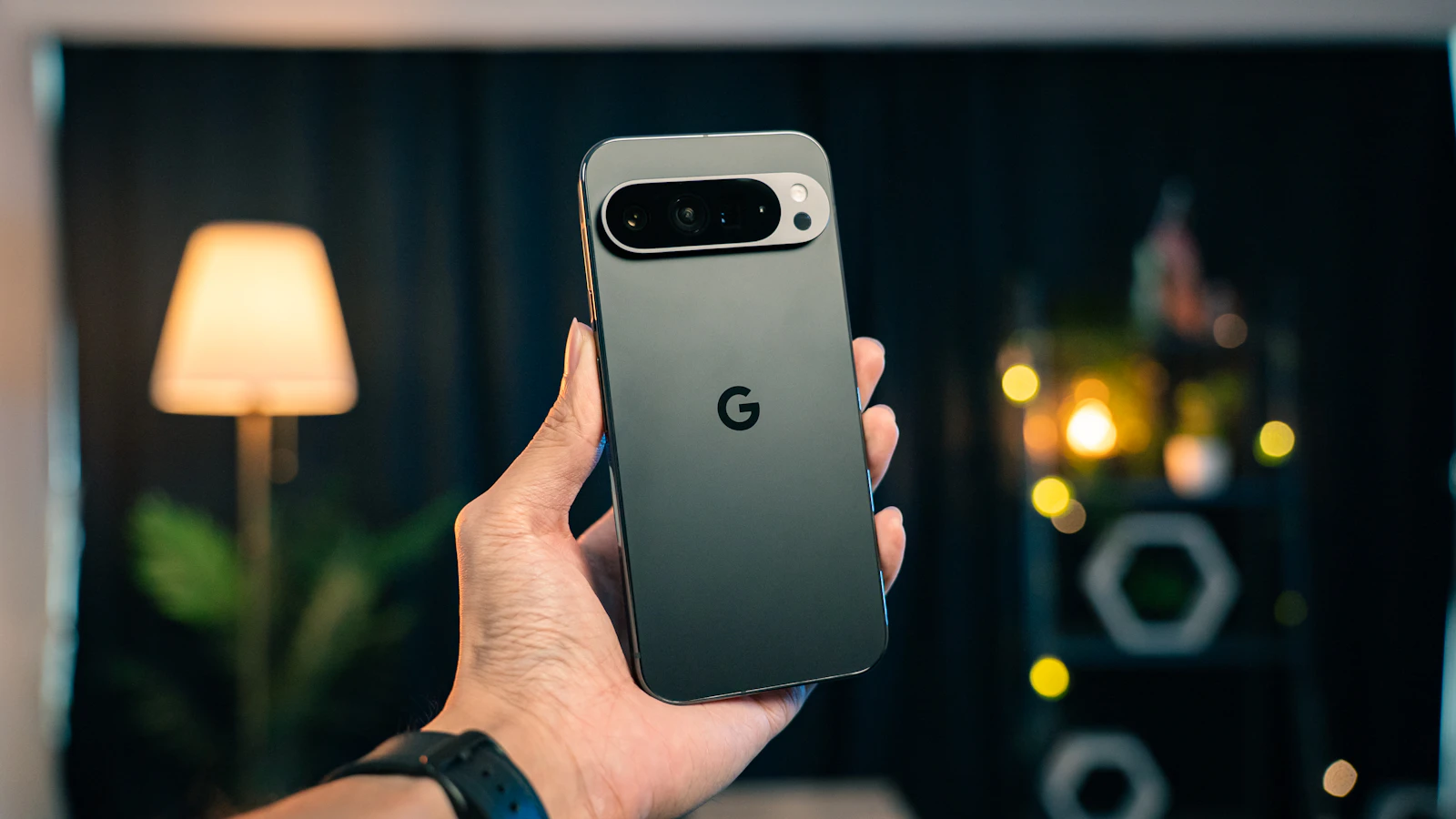
On the Pixel 10 Pro, for instance, the app struggled to utilize its Tensor GPU effectively, leading to significant delays in processing tasks compared to the iPhone Air. This discrepancy highlights an area where Google needs to improve the experience for its Android users, especially given its push for on-device AI. The current reliance on CPU processing for many Android users undermines the app’s potential, making it crucial for Google to address these performance issues promptly.
Looking Ahead
The AI Edge Gallery app is a compelling introduction to on-device AI, showcasing practical applications that extend beyond theoretical concepts. Its ability to function effectively offline has opened new avenues for users, particularly travelers and those in areas with unreliable internet access. As Google continues to refine this technology and address performance inconsistencies, the potential for on-device AI to become a standard feature on smartphones becomes increasingly tangible. The experience of using a powerful AI model at 32,000 feet illustrates that on-device processing can indeed fulfill real-world needs, challenging previous assumptions about the limitations of mobile AI.
As mobile AI continues to evolve, users can anticipate further enhancements that will strengthen the role of on-device capabilities in daily life, making tools like Google’s AI Edge Gallery even more invaluable.
Quick answers
How does it compare to other AI chatbots?
While it may not be as fast as online options like ChatGPT, it stands out for its offline capabilities.
When will it be available on more devices?
The app is currently available on both Android and iOS, but performance may vary based on hardware.
Is it worth upgrading from an older AI app?
Yes, particularly for users who need offline functionality and improved multitasking capabilities.

About the author
MJI Desk
MJI Desk covers consumer tech for MJI News.