In a market flooded with devices labeled as 'smart,' many consumers are left wondering if these gadgets truly enhance their lives or complicate them. Smart TVs track viewing habits, fridges bombard users with ads, and gym equipment demands constant internet connectivity. Amid this trend, the Dory Sign stands out as a refreshing alternative, demonstrating that technology can simplify rather than complicate.
The Dory Sign is an E Ink display crafted for effective communication, avoiding the complexities that often accompany modern smart devices. This compact sign features a user-friendly interface, managed through a complimentary app available on both iOS and Android. Unlike many smart technologies that require personal data for functionality, the Dory app prioritizes user privacy—no email or name is needed to get started.
With the Dory Sign, customization is straightforward. The app provides a clear layout for editing header, main, and footer text, along with options to upload custom images or choose from a selection of preloaded visuals, including illustrations and artistic backgrounds. This design simplicity ensures that even those who may not be tech-savvy can enjoy the benefits of modern technology without feeling overwhelmed.
User-Friendly Customization
A standout feature of the Dory Sign is its ease of use. The app allows multiple users to control the sign, making it perfect for shared spaces like offices or homes. Users can easily adjust text with six different typefaces and sliders to modify size, line height, letter spacing, and color. This flexibility enhances personal expression and ensures that the sign remains visually appealing and effective.
Aesthetic Appeal
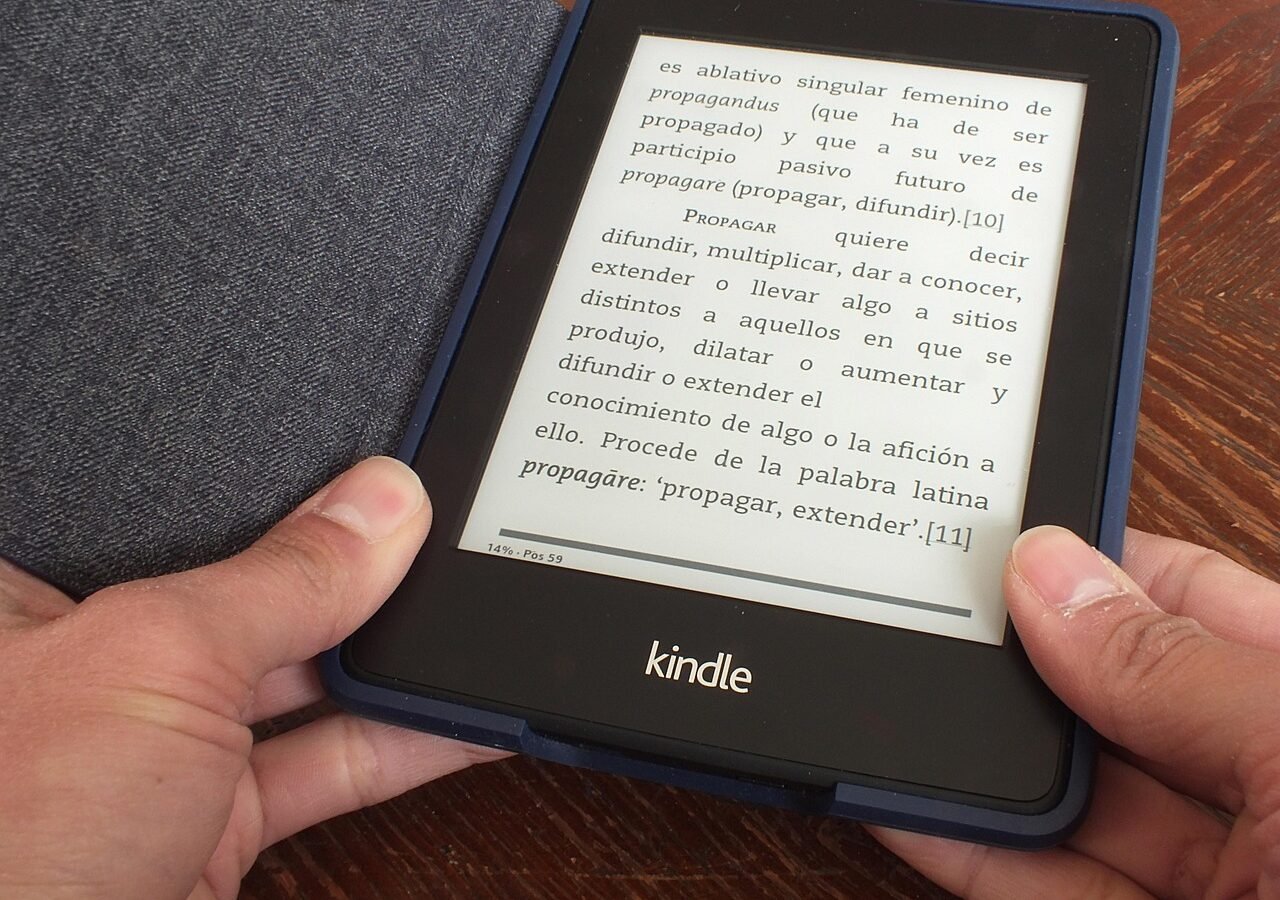
The E Ink technology in the Dory Sign guarantees a comfortable viewing experience. Unlike traditional screens that can strain the eyes, the Dory employs a reflective display that mimics paper, making it easy to read in various lighting conditions. This emphasis on visual comfort supports the product’s goal of effective communication, ensuring that messages are not only seen but also appreciated.
Comparison to Other Smart Devices
In stark contrast to many gadgets that require complex setups and frequent updates, the Dory Sign focuses on straightforward functionality. While some smart devices become cumbersome with unnecessary features, the Dory Sign exemplifies how technology can enhance simplicity. For those seeking a device that streamlines communication without the headaches often associated with smart gadgets, the Dory Sign is a compelling choice.
By emphasizing user experience and minimalism, the Dory Sign offers a fresh perspective on integrating technology into daily life. This small yet powerful device signifies a shift in how consumers can interact with smart technology—favoring ease of use and functionality over complexity and data collection. As consumers increasingly seek gadgets that genuinely improve their lives, products like the Dory Sign are likely to gain popularity.
The Dory Sign is available for purchase at a competitive price, making it accessible to a broad range of consumers. As interest in minimalist design and functionality rises, this innovative sign may set a new standard for how smart devices are designed and utilized.
Quick answers
How does the Dory Sign compare to traditional smart displays?
The Dory Sign focuses on simplicity and effective communication, unlike traditional smart displays that may overcomplicate user experience.
What features does the Dory app offer?
The app allows users to customize text and images, adjust display settings, and manage the sign through Bluetooth without requiring personal data.
Is the Dory Sign suitable for shared spaces?
Yes, the Dory Sign supports multiple users, making it ideal for offices or homes where several people can control the display.

About the author
MJI Desk
MJI Desk covers consumer tech for MJI News.