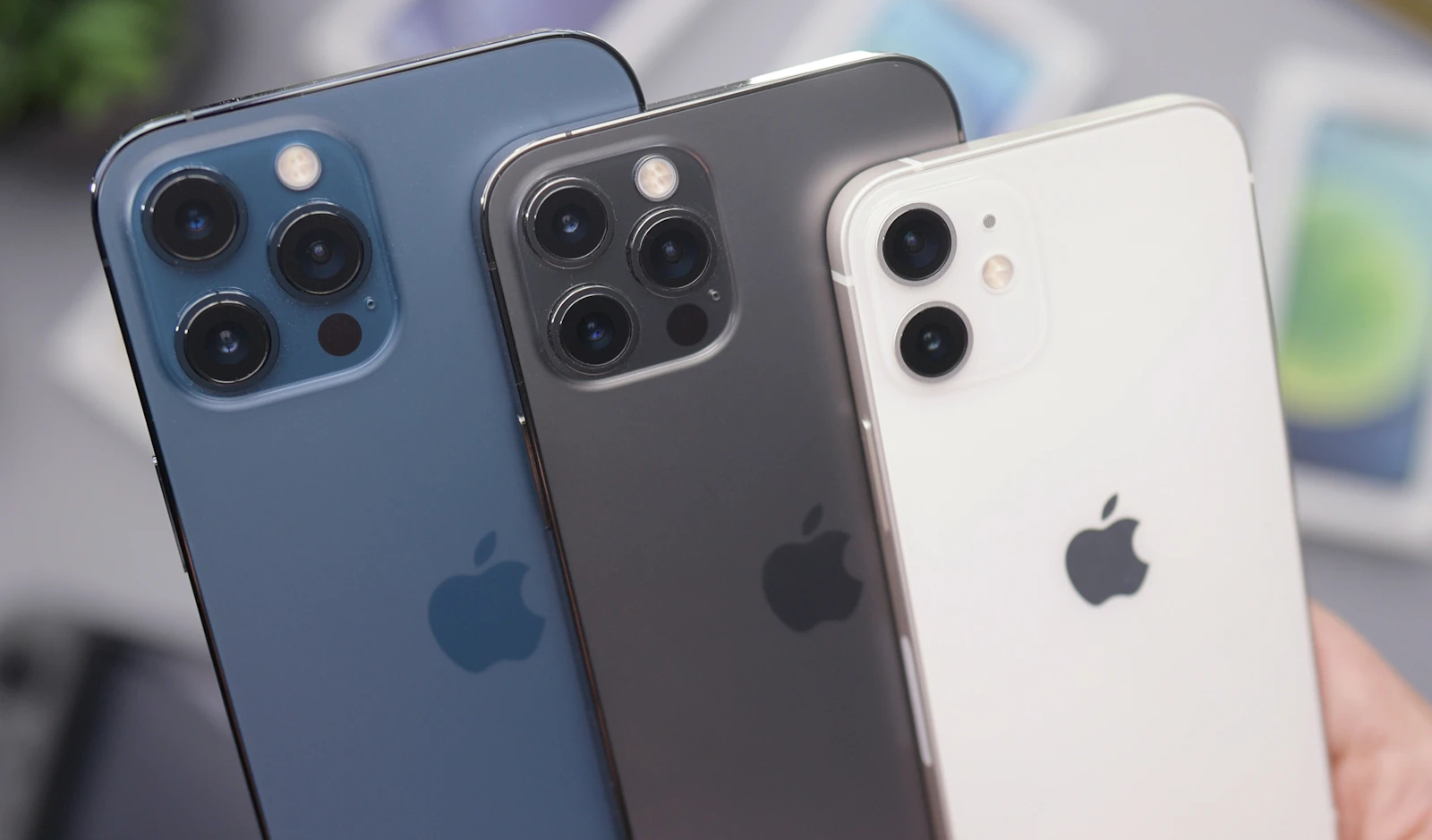
In a notable experiment, a software engineer successfully paired Apple's M5 Max MacBook Pro with Nvidia's RTX 5090 graphics card, achieving over 100 frames per second (FPS) in Cyberpunk 2077 at maximum settings, thanks to the implementation of frame generation. This accomplishment highlights the potential of Apple's latest silicon in gaming, despite the compatibility and setup challenges involved.
Complex Setup Required
The M5 Max, recognized for its performance across various workloads, was tested through a complex configuration that involved virtualization and an external GPU (eGPU) dock. This setup is not officially supported by Apple, as macOS does not have native driver support for Nvidia GPUs. To make this work, the engineer relied on a Linux operating system, overcoming numerous technical hurdles such as configuring PCI BAR and enabling Direct Memory Access (DMA).
Goldman faced several obstacles during the setup, particularly with the virtualization software QEMU, which initially caused performance fluctuations due to scheduling issues. The use of the FEX translation layer proved essential in converting x86 instructions to ARM architecture, enabling the M5 Max to run PC games. However, this translation process significantly affects CPU performance, resulting in a roughly 50% penalty compared to native ARM processing.
Performance Insights
Benchmark results showed that while the combination of M5 Max and RTX 5090 could achieve impressive outcomes with frame generation, performance dropped sharply without it. Running Cyberpunk 2077 without frame generation saw FPS fall to just above 60 on the M5 Max and below 50 on the M4 MacBook Air. In comparison, a similar Intel-powered system managed over 150 FPS without frame generation.
Beyond Cyberpunk, the software engineer tested other titles like Shadow of the Tomb Raider and Crysis Remastered, which also struggled to maintain smooth gameplay, often falling below 60 FPS. The main bottleneck was the FEX translation layer, which restricted overall performance.
The Future of Gaming on Apple Silicon
Despite the challenges, Goldman’s demonstration reveals the gaming potential of the M5 Max MacBook Pro when paired with high-end GPUs. The RTX 5090 shows impressive capabilities, but the setup remains far from user-friendly. Gamers considering an Apple device must navigate a landscape that requires patience and technical know-how.
As Apple works to refine its silicon and potentially improve support for eGPU configurations, there is hope for a more seamless integration that could make high-performance gaming on Mac a viable option for enthusiasts. Until then, the current setup stands as a testament to what can be achieved with the right tools and configurations, even if they are not easily accessible to the average user.
Quick answers
How does it compare to standard gaming PCs?
The M5 Max MacBook Pro's performance lags behind traditional gaming PCs without frame generation, while achieving competitive FPS with it.
When will better support for eGPUs on Mac be available?
There is no official timeline, but improvements in future macOS updates could enhance compatibility.
Is it worth upgrading from M4 Max to M5 Max for gaming?
The M5 Max offers significantly better performance, especially with high-end GPUs, making it a worthwhile upgrade for gamers.

About the author
MJI Desk
MJI Desk covers consumer tech for MJI News.