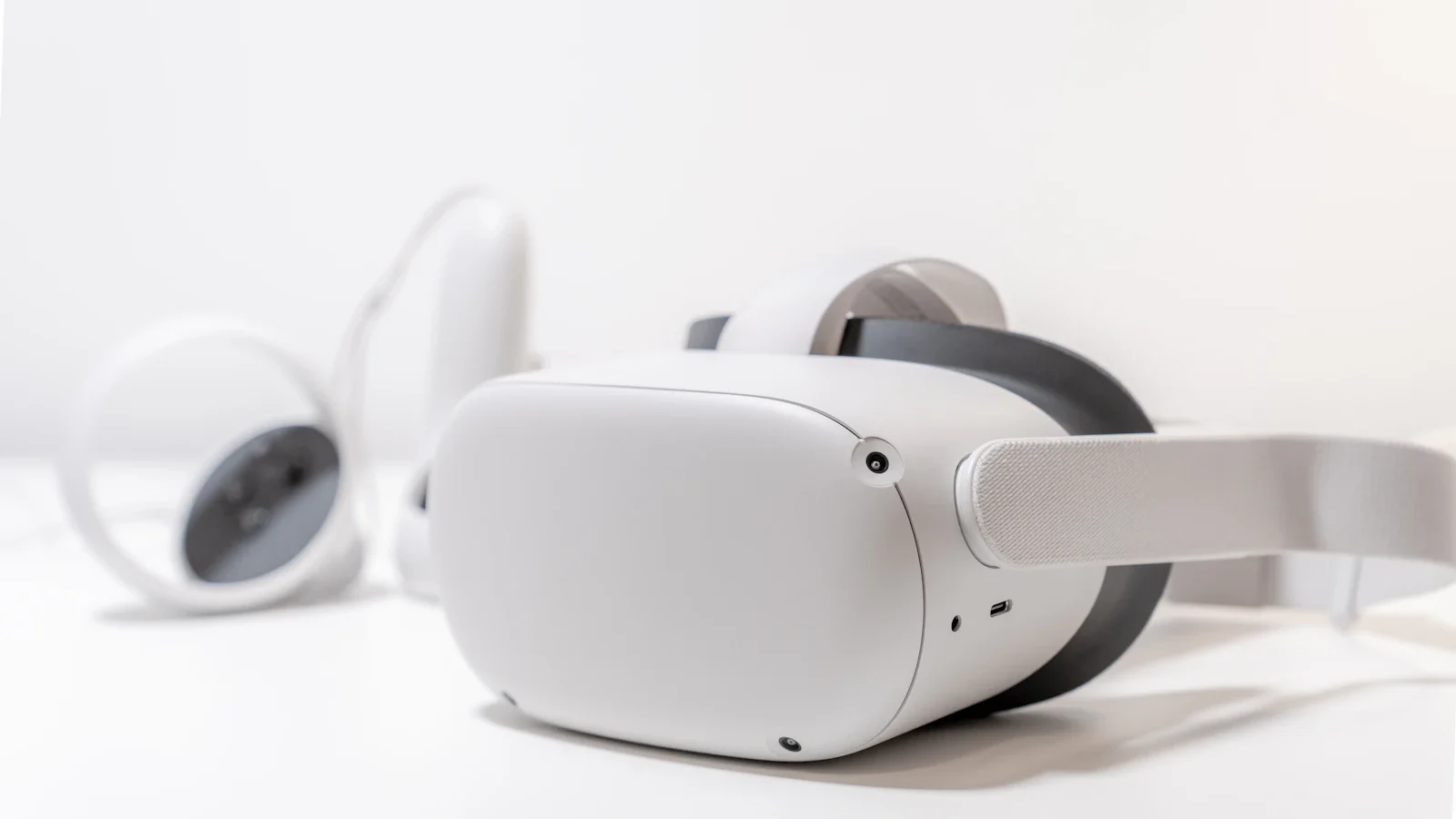
As more consumers incorporate smart glasses into their daily routines, concerns about data collection are on the rise. With Meta's smart glasses featuring cameras and microphones, questions about user data management become pressing. Fortunately, users can take steps to protect their information while enjoying the advantages of these devices.
Understanding Privacy Practices
Meta, primarily an advertising company, has come under scrutiny for its data privacy practices. Many users may feel uneasy knowing their interactions with devices equipped with cameras and microphones could be recorded and analyzed. These worries are heightened by the company's history of data privacy controversies, underscoring the need for users to familiarize themselves with available settings to safeguard their information.
For those who choose to adopt Meta's smart glasses, the challenge is finding the right balance between functionality and privacy. The Meta AI app equips users with tools to effectively manage their data collection preferences. By adjusting a few settings, users can limit the data shared with Meta, enhancing their privacy while using the devices.
Disabling Voice Activation
A key step users can take is disabling the hands-free voice activation feature. The smart glasses respond to wake words like "Hey Meta" and "OK Meta," which can lead to accidental activations and unintended data sharing. To turn off this feature, users can follow these simple instructions:
- Open the Meta AI app.
- Connect the smart glasses, then tap the settings gear.
- Select Meta AI.
- Access "Hey Meta" preferences.
- Toggle the setting to off.
Once this feature is disabled, users can still activate the voice assistant manually via the touchpad on the device, significantly reducing the risk of unintended recordings.
Managing Cloud Media Settings
Another important privacy setting involves how media captured by the smart glasses is handled. By default, enabling the Cloud media feature allows photos and videos to be uploaded to Meta's servers for cloud processing. Users concerned about their media being stored online can turn this feature off by:
- Opening the Meta AI app.
- Connecting the smart glasses and tapping the settings gear.
- Selecting Glasses privacy.
- Toggling Cloud media off.
By keeping media stored locally, users can maintain greater control over their photographs and videos, ensuring they are not inadvertently shared or stored on Meta's servers.
Limiting Data Collection
In addition to voice activation and cloud storage, users can also limit the data collected about their usage habits. Meta differentiates between essential data, which must be shared for the device to function correctly, and additional data that provides insights into user interactions with the glasses. To minimize this collection, users should follow these steps:
- Open the Meta AI app.
- Connect the smart glasses and tap the settings gear.
- Select Glasses privacy.
- Toggle the setting to share additional data off.
By opting out of this additional data sharing, users can further protect their privacy without sacrificing the core functionality of their smart glasses.
Moving Forward
While privacy concerns surrounding Meta's smart glasses are valid, users can take concrete steps to address these issues. By adjusting settings in the Meta AI app, individuals can enjoy advanced features like photography and voice commands while maintaining control over their data. As technology evolves, ongoing vigilance and proactive management of privacy settings will be essential for users seeking to engage with smart wearables confidently.
Quick answers
How does it compare to other smart glasses?
Meta smart glasses offer advanced features like onboard cameras and Bluetooth capabilities, but they come with privacy concerns that users should manage through app settings.
When does it ship?
Availability varies by region, typically shipping within a few weeks of order.
Is it worth upgrading from older models?
Upgrading may be beneficial for users seeking improved features, but those concerned about privacy should carefully consider their settings.

About the author
MJI Desk
MJI Desk covers consumer tech for MJI News.